|
|
||
|---|---|---|
| .cargo | ||
| .github | ||
| contrib/cli | ||
| resources | ||
| src | ||
| static | ||
| templates | ||
| tools | ||
| .dockerignore | ||
| .gitignore | ||
| build.rs | ||
| Cargo.lock | ||
| Cargo.toml | ||
| copying | ||
| docker-compose.yml | ||
| Dockerfile | ||
| readme.md | ||
| rustfmt.toml | ||

Bin
A minimal pastebin which also accepts binary files like Images, PDFs and ships multiple clients.
It does not require you to host a SQL server and everything is self-contained in a statically linked binary, which makes it extremely easy to deploy.
Clients
Web
You can paste
-
Normal Text
-
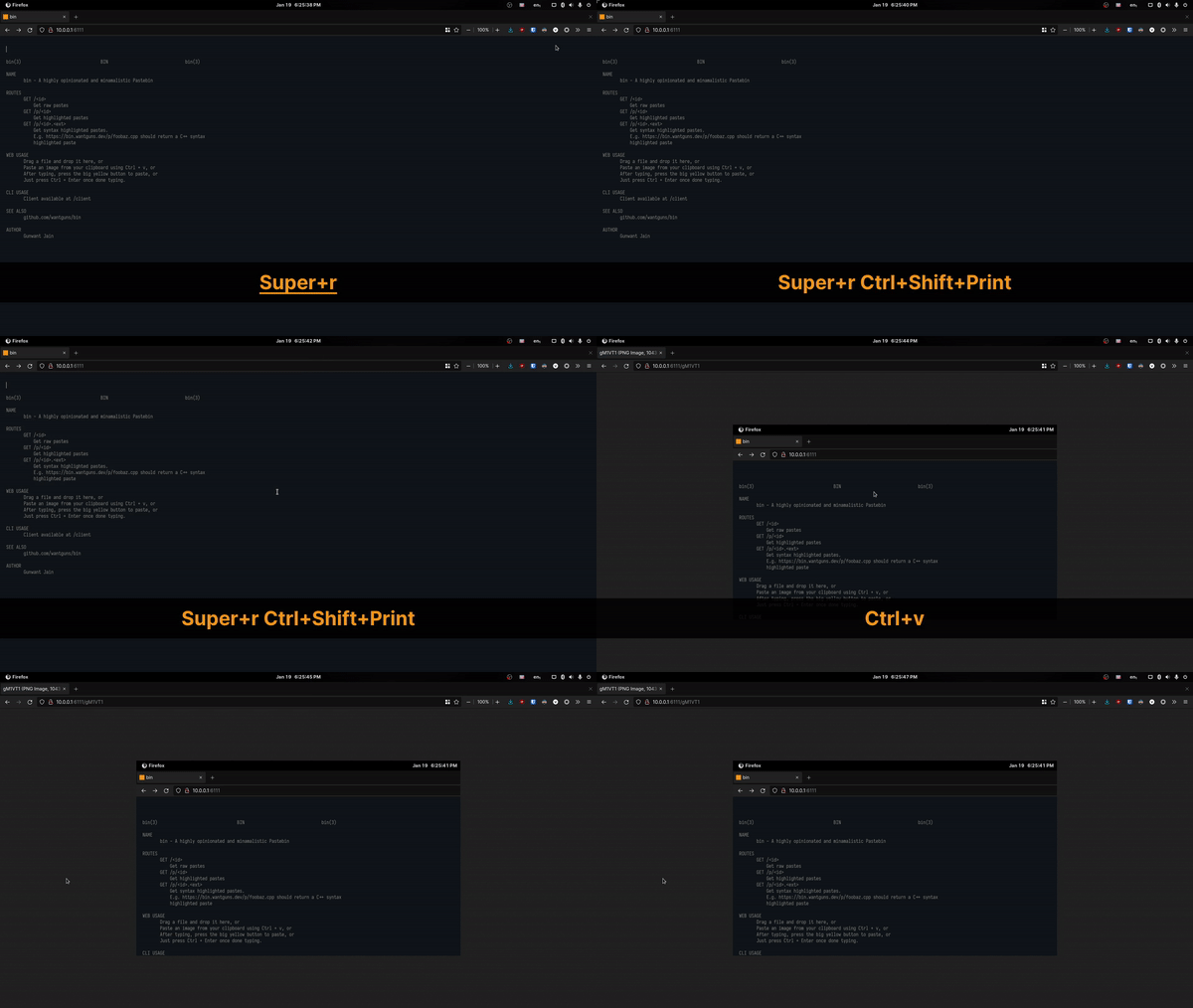
Paste Images from clipboard:
-
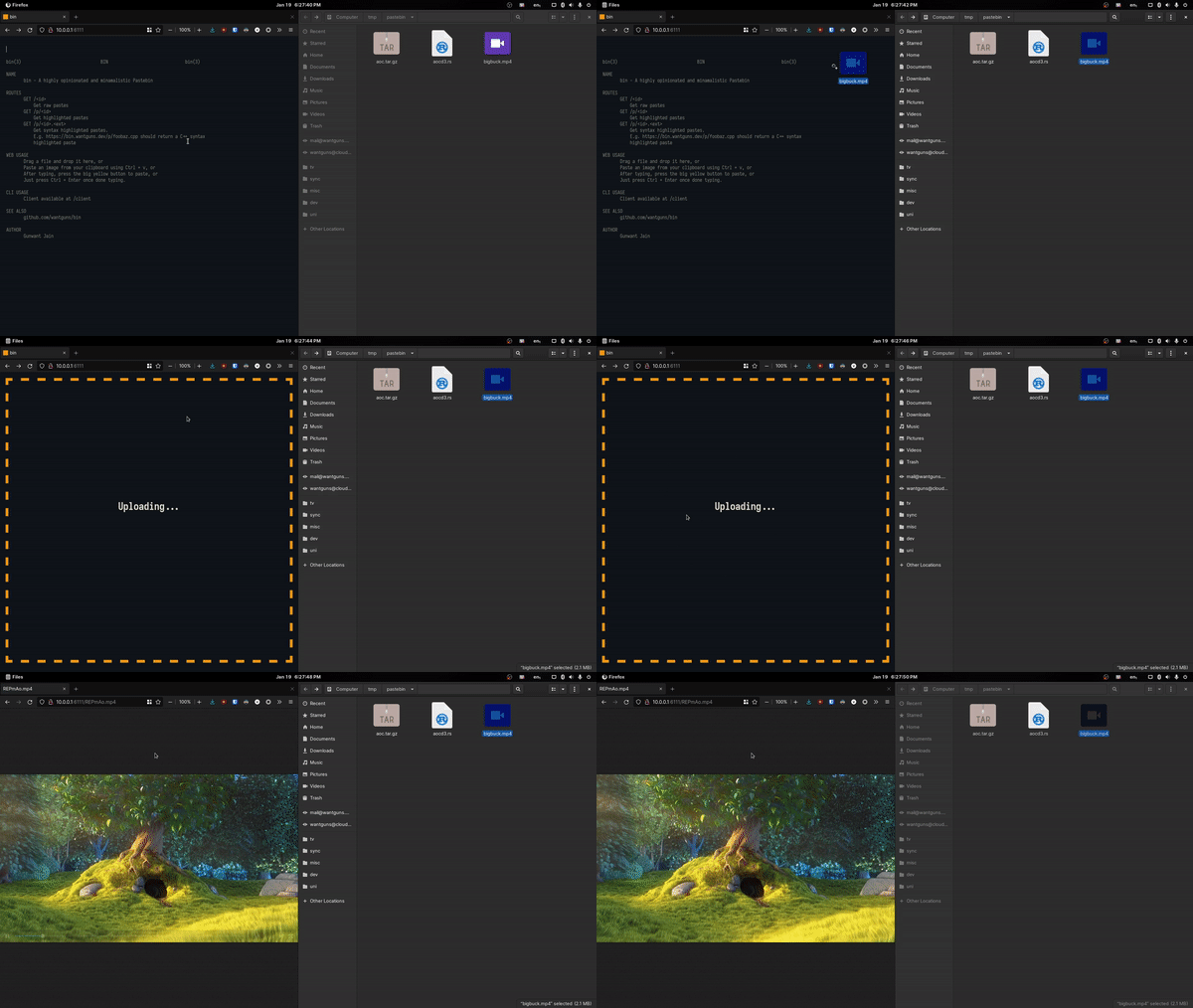
Files by drag and drop:
CLI

Installation
Get the client from this repository or from my deployed paste:
curl -o pst https://bin.noracodes.dev/r/client && chmod +x pst
or manually copy the following at a file in your path.
#!/bin/bash

# Change the url accordingly
URL="https://bin.nora.codes"

FILEPATH="$1"
FILENAME=$(basename -- "$FILEPATH")
EXTENSION="${FILENAME##*.}"

RESPONSE=$(curl --data-binary @${FILEPATH:-/dev/stdin} --url $URL)
PASTELINK="$URL$RESPONSE"

[ -z "$EXTENSION" ] && \
    echo "$PASTELINK" || \
    echo "$PASTELINK.$EXTENSION"
You have the option to remove the /client description / help in the
landing page. To show the /client description, run the bin binary
with either BIN_CLIENT_DESC env variable or a -c flag. More on
arguments later
Usage
It just works.
$ pst somefile.txt
$ cat someimage.png | pst
(Neo)Vim
Installation
- Install the CLI client
- Append this to your init.vim / vimrc
nnoremap <leader>p :!pst %<CR>
Usage
Use <leader> + p paste.
Server Deployment
The main fork ships Docker and binary releases.
Manual
- Build on your own:
# A statically linked build
$ cargo build --release
- Execute the binary as is, no extra shenanigans needed:
$ ./bin
Usage
USAGE:
    bin [OPTIONS]

OPTIONS:
    -a, --address <ADDRESS>
            Address on which the webserver runs [default: 127.0.0.1]

    -b, --binary-upload-limit <BINARY_UPLOAD_LIMIT>
            Binary uploads file size limit (in MiB) [default: 100]

    -c, --client-desc
            Include client description [env: CLIENT_DESC=]

    -h, --help
            Print help information

    -p, --port <PORT>
            Port on which the webserver runs [default: 6162]

    -u, --upload <UPLOAD>
            Path to the uploads folder [default: ./upload]

    -V, --version
            Print version information
Configuration
This pastebin utilizes a custom configuration provider from Rocket. Apart from the essential arguments, you can also use environment variables, which have the highest preference in order.
Everything from the official Rocket doc is supported, just that you have to prefix the env variable with "BIN_":
BIN_PORT=6163
BIN_ADDRESS=0.0.0.0
BIN_LIMITS={form="16 MiB"}
BIN_WORKERS=8
BIN_IDENT=false
...
API
GET /r/<id>[.<ext>]
Get raw pastes
GET /p/<id>
Get pastes with a pretty UI
GET /p/<id>.<ext>
Get syntax highlighted pastes in the pretty UI. E.g. https://bin.nora.codes/p/foobaz.cpp should return a C++ syntax highlighted paste
POST /
Post binary data, get object ID
Design Decisions
This pastebin:
- does not use a database. It lacks non-essential features like password-protection / automatic deletion as a result of which, it can do completely fine with flat filesystems. As an upside (opinionated), it makes deploying it easier.
- uses server sided highlighting, which ensures that everything stays light and snappy at the client side.
- uses very minimal frontend because a pastebin does not need it. It focuses (or atleast tries to) on getting things done in minimum amount of clicks.
Hacking
-
If you want to ensure your pushed refs will pass CI, add the prepush script to your Git hooks:
$ cp -a tools/prepush .git/hooks/pre-pushAlternately, just run
./tools/prepushyourself before pushing. -
The Cargo configuration for this project is set for statically compiled builds. You can check out the config file to know more.
-
Read the buildci to know how the project is statically compiled for two architectures.